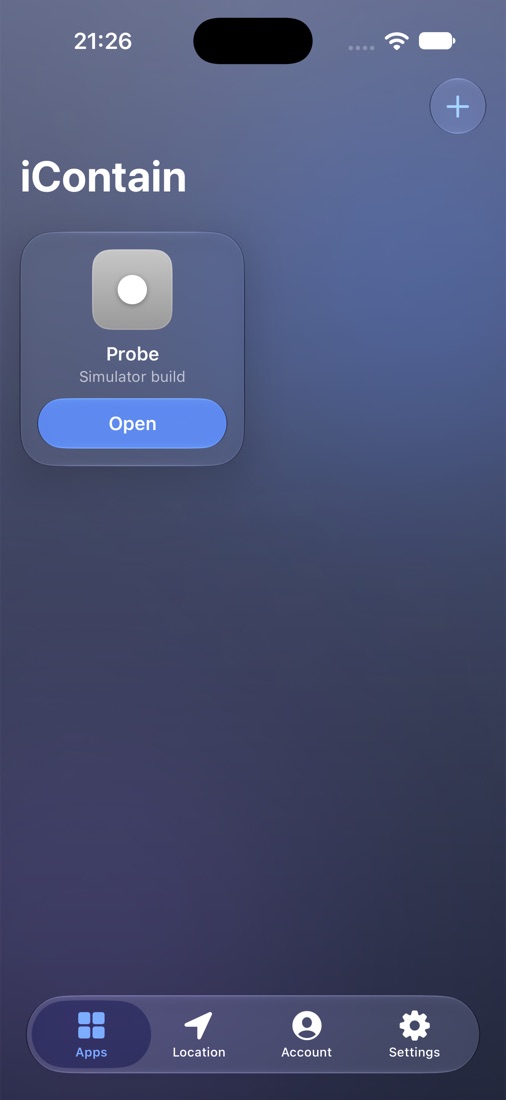
iContain loads apps into its own container on your iPhone, including builds made for the iOS Simulator. Test them as any iPhone or iPad, anywhere in the world, without installing them.

What iContain does, line by line.
An .ipa, an .xcarchive or a zipped .app, from Files, the share sheet, or iContain's own folder.
Builds made for the iOS Simulator are thinned to arm64, retagged for iOS and signed, so they run on the device in your hand.
The app is told the screen size, safe areas and idiom of the device you pick, in light or dark mode, and shown in a frame.
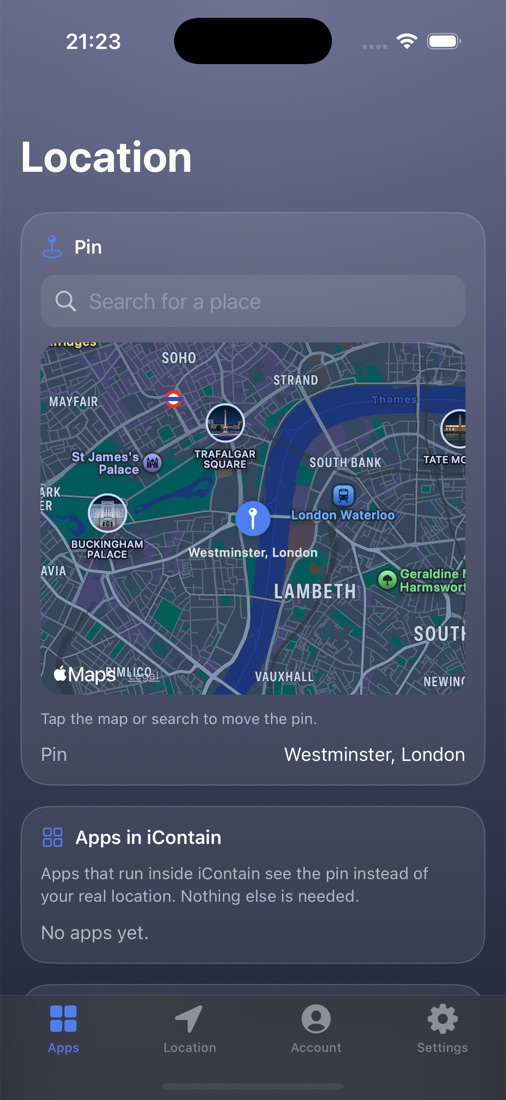
Apps inside iContain see the place you choose. With LocalDevVPN, the whole iPhone moves too.
Switch on the Increased Memory Limit and Extended Virtual Addressing for your App IDs, iContain's included.
Every app runs under iContain's one App ID. Sign with a free Apple ID, or a .p12 development certificate.
Pick a device for each app before you open it. Try it here:
The app gets the device's screen, safe areas, and iPhone or iPad layout, and runs at that size inside a frame.


Sideload it once with AltLoad, AltStore or SideStore.
iContain.ipa → your iPhone
Pick an IPA, archive or Simulator build. iContain converts and signs it.
Probe.app ✓ converted · signed
Choose a device and a place, then tap Open. Or from Shortcuts:
icontain://open?app=Probe
.p12 certificate works too, if it's from the same team that signed iContain.Download the IPA and install it with AltLoad, AltStore or SideStore.